Is this an employee tracking app?
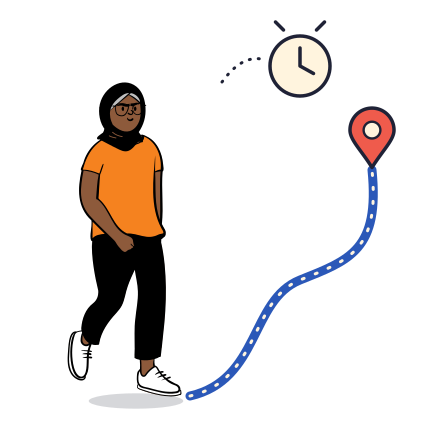
No. Nobody is followed through their day. Location reaches your organisation only in the moments set out above: an SOS, or a trip the person started (field), or an overdue commute (office). Outside those moments the console has no location at all, and the database itself refuses to return it.
What does HR see, and what does the Safety Desk see?
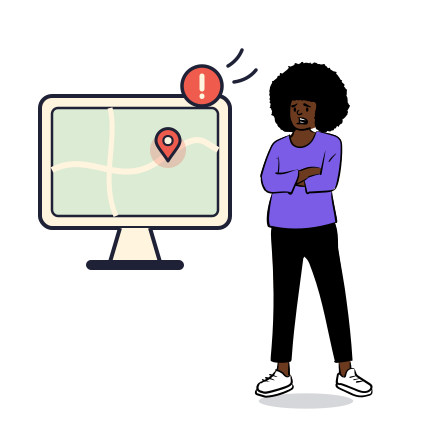
HR admins see who has joined, who has finished setup, responders, trips and on-time rates, incidents and reports. Location goes only to the people you make Safety Desk, and only within the rules for your setup. Health information never reaches anyone at your organisation.
We have sites in cities where ORBII has few helpers. Does it still work?
Yes. The person's own circle is alerted wherever they are. Up to 10 colleagues within 5 km are alerted as safety buddies, and your Company Responders (colleagues who volunteer and you approve) are alerted when they are close by. Your Safety Desk is alerted for every SOS and every overdue trip. 112 and 108 are one tap away. ORBII helpers add to this where they exist; the plan does not depend on them.
What if there is no internet?
If the phone cannot reach the internet, the SOS goes out as a text message to their emergency contacts and your Safety Desk number, with the location.
Does ORBII Teams have an escalation matrix?
Yes. You set up to five levels, for example the reporting manager, then the HOD, then HR, then the Safety Desk, each after a wait you choose. When an SOS or an overdue trip is not taken by anyone, the next level is alerted automatically, and every step is recorded on the incident timeline.
Can field staff check in at sites automatically?
Yes, for field teams. Mark your sites on the map with a radius. When someone on a work trip arrives, they are checked in, and checked out when they leave. They can also check in by hand. Office teams have no sites, so commutes stay private.
How long does setup take?
We create your workspace, you invite people by email or upload a CSV roster, and they install ORBII. Each person sees a one-time notice of what your organisation can and cannot see before anything is shared.
Is it compliant with the DPDP Act?
It is built for it: a clear notice to every person, location used only for safety, no health data to the employer, access recorded in an audit log, and people can leave. We put a data processing agreement in place with every customer before launch, with a named grievance contact. Details are in our Trust Center.
Can people's families use it?
With the Team Family Seat, the employee and two family members each get full ORBII Plus. With the Team Seat, family can still join their circle and receive their SOS alerts.
What happens when someone leaves?
Remove them in the console. Their company plan and access to your workspace end straight away. Their personal ORBII account and circle stay theirs.
Do you work with schools?
Not yet. ORBII Teams is for adults: employees and university students aged 18 and over.